

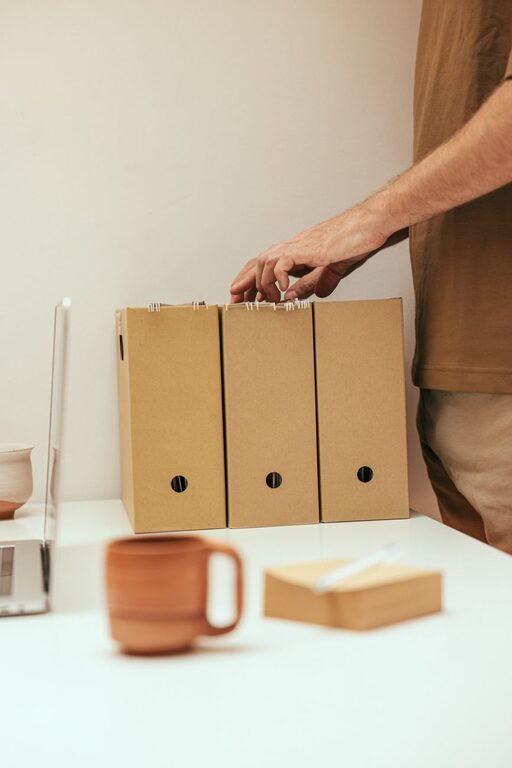
Keeping your computer files organized can save you time, reduce frustration, and improve your overall productivity. Whether you use your computer for work, school, or personal projects, a well-structured file system helps you find what you need quickly and prevents clutter from piling up. In this post, we’ll explore practical tips and strategies to help you organize your files effectively.
Why Organize Your Files?
Before diving into tips, it’s important to understand the benefits of keeping your files orderly:
– Easy Access: Quickly locate files without tedious searching.
– Efficiency: Spend less time managing files and more time on important tasks.
– Reduced Stress: A clutter-free digital space can improve focus and reduce overwhelm.
– Backup Friendly: Organized files make it easier to back up important data regularly.
Start with a Clear Folder Structure
One of the best ways to keep your files organized is by creating a logical folder hierarchy.
Use Meaningful Folder Names
Choose folder names that clearly describe their contents. For example, instead of generic names like “Stuff” or “Documents,” use labels like “Work Projects,” “Invoices 2024,” or “Vacation Photos.”
Create Main Categories and Subfolders
Start by grouping files into broad categories, then break them down further:
– Work
– Reports
– Presentations
– Invoices
– Personal
– Taxes
– Health Records
– Photos
– 2023 Trips
– Family Events
This nested structure helps you narrow down where a file belongs and keeps related documents together.
Be Consistent with Naming Conventions
Establishing a consistent naming system for your files makes searching and sorting easier.
Tips for Naming Files
– Include dates in the format YYYY-MM-DD for chronological sorting (example: 2024-05-01_ProjectPlan.docx).
– Use descriptive words that summarize the file content.
– Avoid spaces and special characters; use underscores (_) or hyphens (-) if needed.
– Keep names concise but clear.
For example, instead of “Doc1,” use “MeetingMinutes_2024-04-15.”
Regularly Sort and Purge Unnecessary Files
Deleting old or duplicate files regularly helps maintain organization and frees up storage space.
– Schedule monthly or quarterly reviews to delete files you no longer need.
– Use built-in tools or apps to find and remove duplicates.
– Archive rarely used files into a separate folder or external drive if you want to keep them but don’t need frequent access.
Use File Tags and Metadata (If Available)
Some operating systems and software allow tagging files with keywords or adding metadata.
– Use tags to group files across folders based on themes or projects.
– This feature is especially useful for images, documents, or media files.
Leverage Cloud Storage for Backup and Access
Cloud services like Google Drive, Dropbox, or OneDrive not only provide backup but also let you access files from any device.
– Organize cloud folders similarly to your computer to maintain consistency.
– Take advantage of sharing features for collaboration.
Utilize Search and Shortcut Tools
Even with a great folder structure, sometimes you need quick access.
– Use your computer’s search function and learn how to use filters effectively.
– Create shortcuts to frequently used folders and files on your desktop or taskbar.
Automate Organization When Possible
Some tools and apps can help automate file organization:
– Use rules or filters in email clients to save attachments to specific folders automatically.
– Employ third-party apps that categorize files based on type or date.
Backup Your Organized Files Regularly
An organized file system is only as good as the safety of your files.
– Set up automatic backups to an external hard drive or cloud service.
– Maintain multiple backup copies where possible.
Final Thoughts
Organizing your files doesn’t have to be overwhelming. By creating a clear folder structure, naming files consistently, regularly cleaning up, and leveraging available tools, you can keep your digital workspace tidy and efficient. Start small, make it a habit, and enjoy the benefits of a well-organized computer.
Happy organizing!